Frame Up offers ten kinds of frame and mount: classic frames, canvas and prints on every plan, plus box, floating, profile, Dibond and acrylic on Advanced and Plus. Frames come in 36 finishes, with mats, print borders and frame widths to match your stock. On Plus, we also build custom frames and rooms for your store.
Frames and mounts
Shoppers see each kind of frame and mount in 3D, at the size they pick:
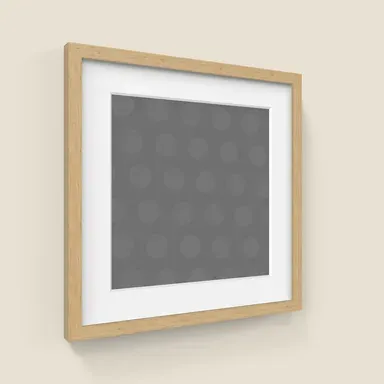 Classic frameA moulding around the artwork, with an optional mat.
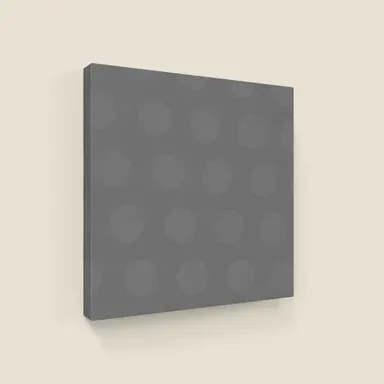 CanvasA stretched canvas, with the edge of your choice.
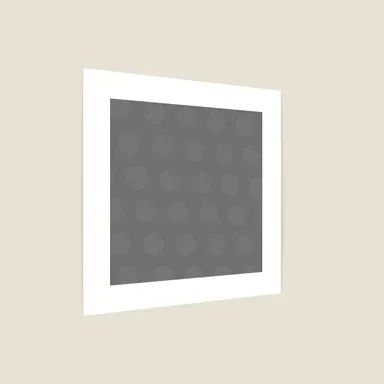 PrintAn unframed print, with an optional border.
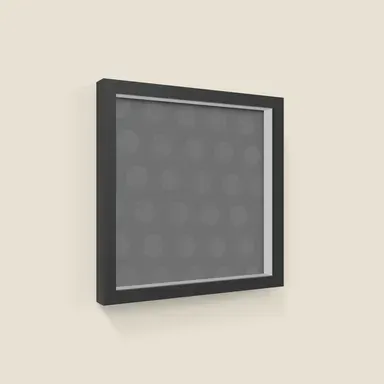 Box frameA deep frame with the artwork set inside.
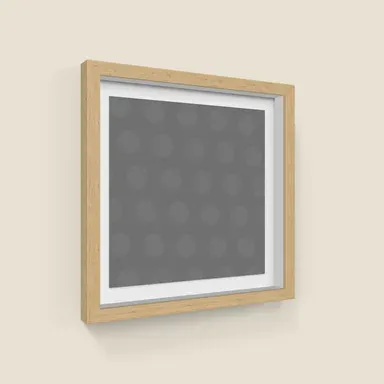 Floating box frameThe artwork floats inside a deep frame, with a gap all round.
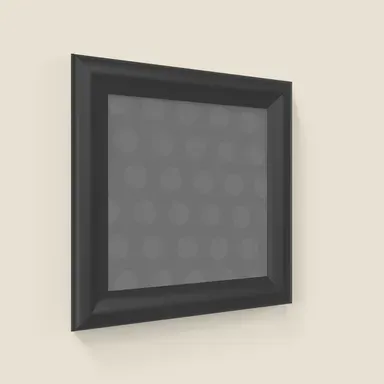 Profile frameA slim frame with a narrow profile.
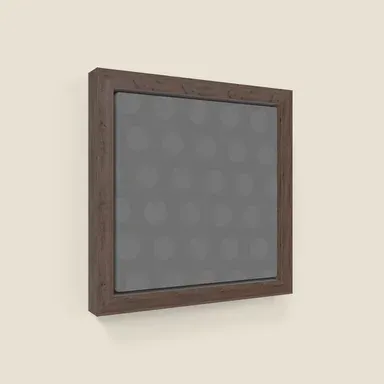 Floating canvasA canvas set in a tray frame, with a gap around its edge.
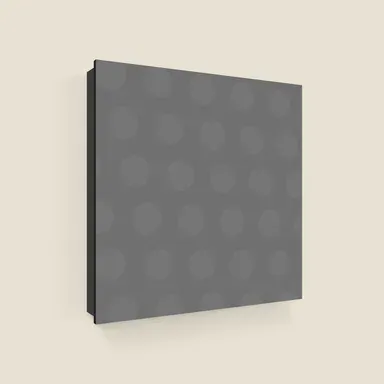 DibondA print mounted on an aluminum composite panel.
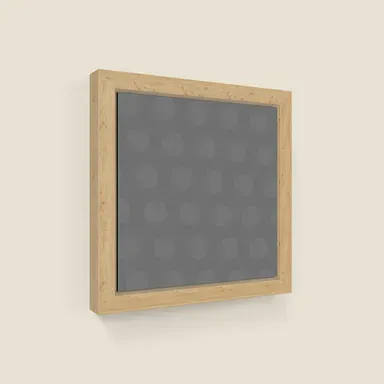 Floating DibondA Dibond panel set in a tray frame.
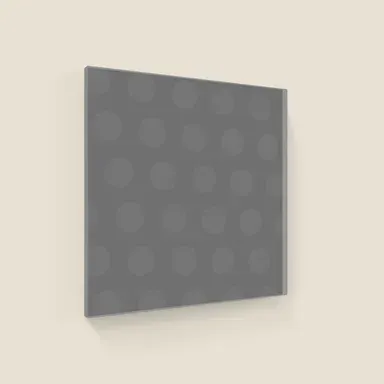 Acrylic panelA print behind a clear, glossy acrylic face.
Materials and finishes
Frames come in 36 finishes, so you can pick the closest match to each moulding you stock:
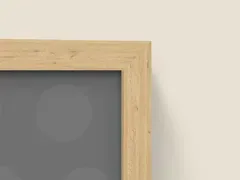 Natural
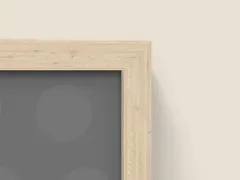 Lighter
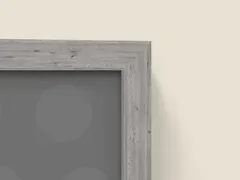 Gray
Gray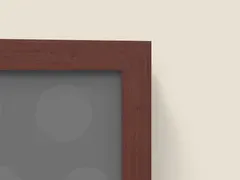 Teak
Teak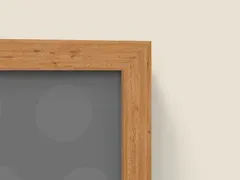 Maple
Maple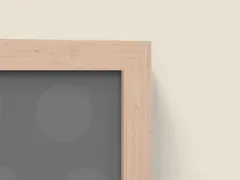 Rose
Rose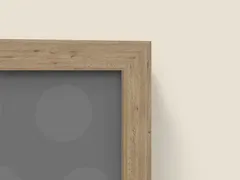 Coffee oak
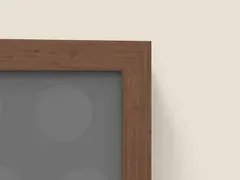 Walnut
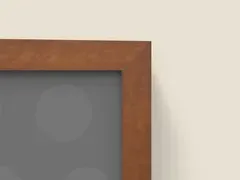 Walnut (vibrant)
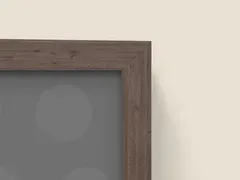 Walnut (muted)
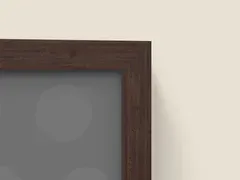 Walnut (darker)
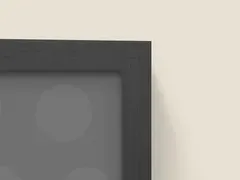 Dark
Dark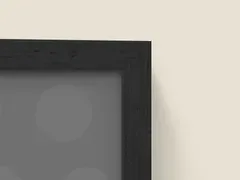 Extra dark
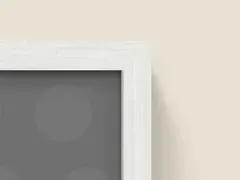 White grain
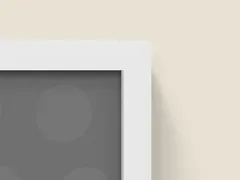 White
White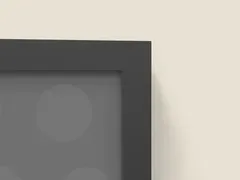 Black
Black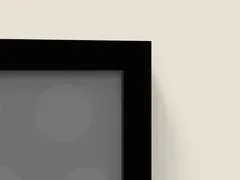 Jet black
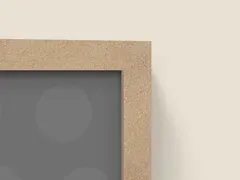 Sand
Sand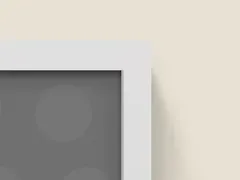 Off-white
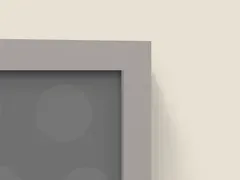 Flint gray
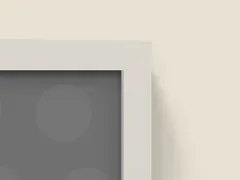 Light gray
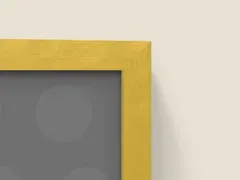 Gold (bright)
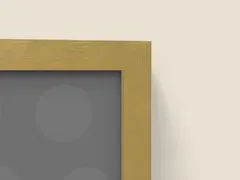 Gold (muted)
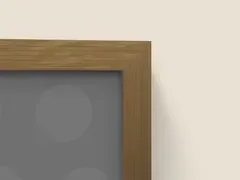 Gold (understated)
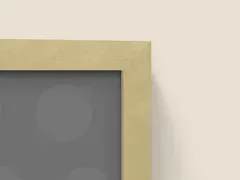 Gold (light)
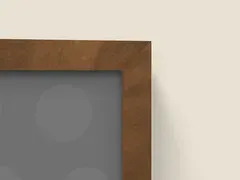 Gold (antique)
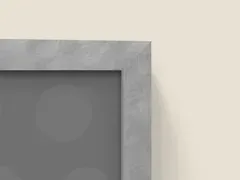 Silver (bright)
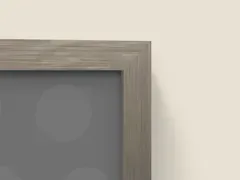 Silver (understated)
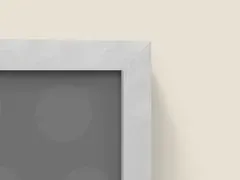 Silver (light)
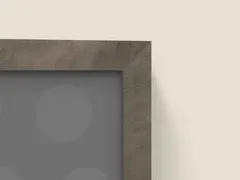 Pewter
 White (glossy)
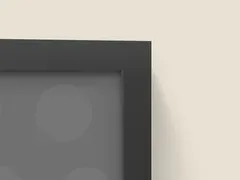 Black (glossy)
 White (metallic)
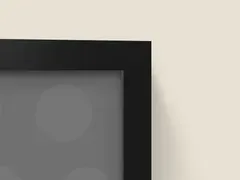 Black (metallic)
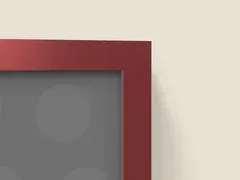 Red (metallic)
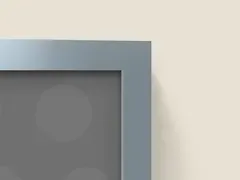 Blue (metallic)
Need a color or finish that isn’t here? Email us a photo of your frame, and we’ll help you find the closest match or talk about adding it.
Canvas edges can be white, black, mirror wrap or image wrap, and Dibond edges white or black. Shoppers see the edge when they turn the artwork in the close-up.
Mats, borders and frame width
- Mats. Add a mountboard inside a classic frame.
- Print borders. Add a white border around the image, on prints and framed pieces.
- Gloss coating. Give prints and Dibond a gloss finish that catches the light as the artwork turns.
- Frame width. Set how wide the moulding is, in millimeters, to match your frames. Advanced and Plus.
- Float gap. Set the gap around artwork in a floating frame. Advanced and Plus.
- Border sizes. Set the width of a print border, side to side and top to bottom. Advanced and Plus.
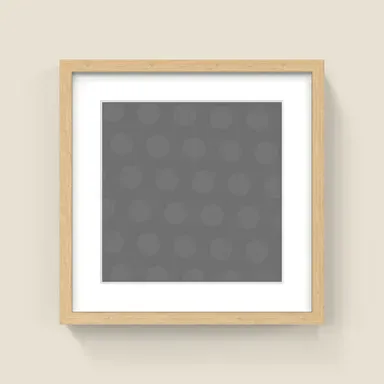 With a mat
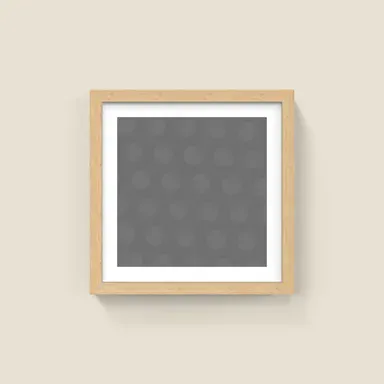 With a print border
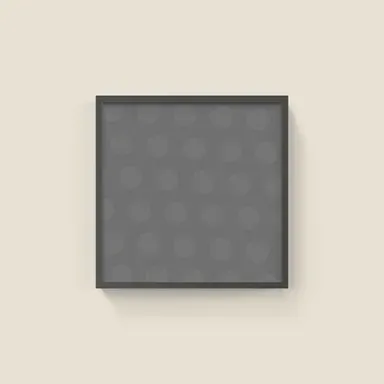 A narrow frame
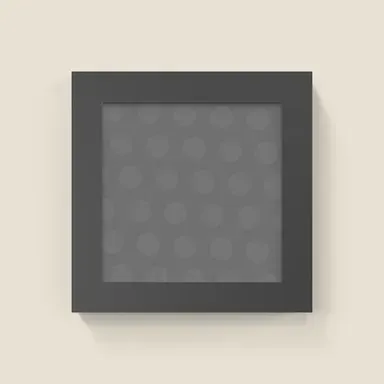 A wide frame
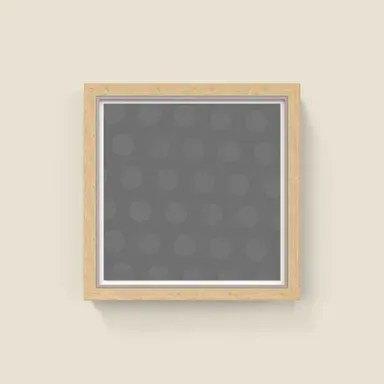 A small float gap
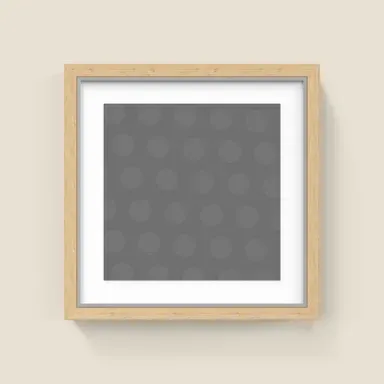 A large float gap
When an artwork’s shape doesn’t match the size, choose whether to crop it to fit, stretch it, resize the frame to the image or leave a border.
Custom frames
On the Plus plan we build frames that aren’t in the standard range, so the preview matches what you actually sell. There are three ways to do it, depending on the frame and how much detail it needs:
- 2D frames. We make a flat, straight-on frame from a good photo of your moulding. It’s the quickest route, and it suits patterned and decorative frames that look their best face on. The preview shows the artwork straight on, without turning.
- 3D moulding frames. From a photo of a length of your moulding, we repeat its pattern along each side, meeting neatly at the corners. The frame keeps the same detail at every size, from a small print to a large canvas, and turns in 3D like a standard frame.
- Photorealistic ornate frames. For carved and gilded frames we recreate the frame in full 3D, carving and all. It catches the light and casts real shadows as the shopper turns it, and keeps its detail at every size you sell.
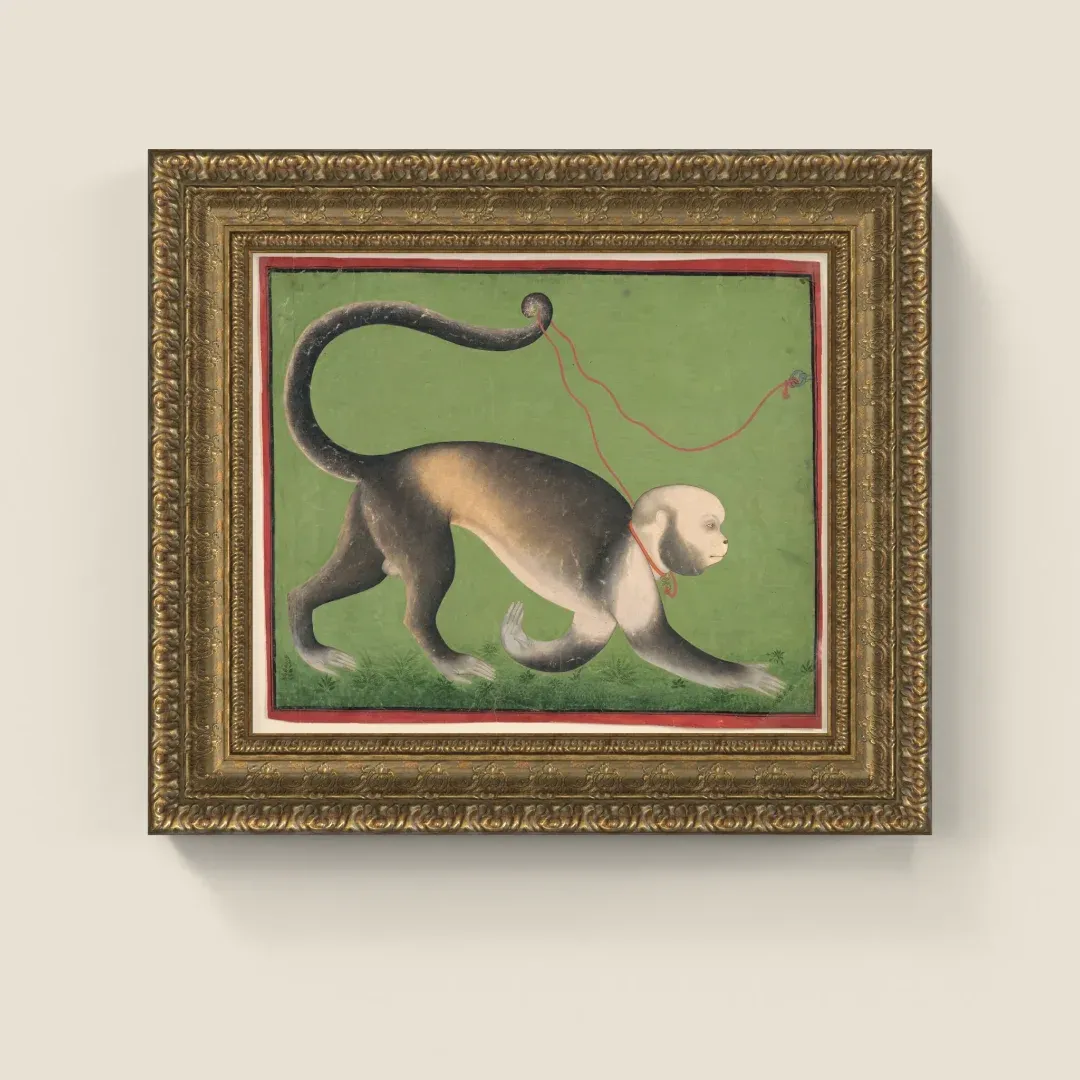
Recreated in full 3D: turn it to see the carving catch the light.
We can build custom mounts too, such as acrylic panels on standoff pins in silver, gold or black. Custom frames are available only to your store, and extra fees may apply. A clear photo of a frame’s corner and the width of its moulding is usually enough to start.
Rooms
- A library of rooms. Living rooms, bedrooms, dining rooms and more, styled simply so the artwork stays the subject. The full library is on Advanced and Plus.
- The best room for each size. Choose up to three rooms and Frame Up picks the one that suits each size. Advanced and Plus. See showing every size to scale.
- Custom rooms. We make rooms for your store from photos of your own space. Plus.
How the preview appears
- First view. Open the preview close up on the artwork or in the room. On Plus, you can also show the close-up only, with no room view.
- Reflections. Soft reflections for a balanced look, or sharp ones to show off gloss.
- Your language. The preview’s buttons follow your store’s language in English, German, French, Italian, Portuguese, Swedish and Turkish.
- Branding. Plus removes the small Frame Up badge from the room view.
The artwork and your products
- Which image. Use the first, second or third product image as the artwork. On Plus, each variant can use its own image instead.
- Which products. Show Frame Up on every product, or only on the product types you choose.
- Variant rules. Rules change the frame, finish, mat or size as shoppers pick options, reading your option names the way you write them. See how Frame Up works with Shopify.
Questions
Can Frame Up match the exact frames I sell?
Most frames match closely using the standard kinds and finishes, with the frame depth set to your moulding. For anything outside the range, such as a carved ornate frame or your own moulding, the Plus plan includes custom frames made for your store.
Do I set these up for every product?
No. You choose a default style once, and variant rules change it as shoppers pick options, for every product that uses those options.
Which settings need the Advanced or Plus plan?
Every plan includes classic frames, canvas and prints, mats, borders and the full range of finishes. Advanced adds the other seven kinds of frame and mount, frame depth and border sizes, the full room library and choosing rooms by size. Plus adds custom frames and rooms, a close-up-only preview, variant images and no Frame Up badge.
Frame Up shows every artwork in your store at each size and frame you sell, in a room or close up, from the variants you already have. From $19 a month, with a 10-day free trial.
 Try Frame Up for free